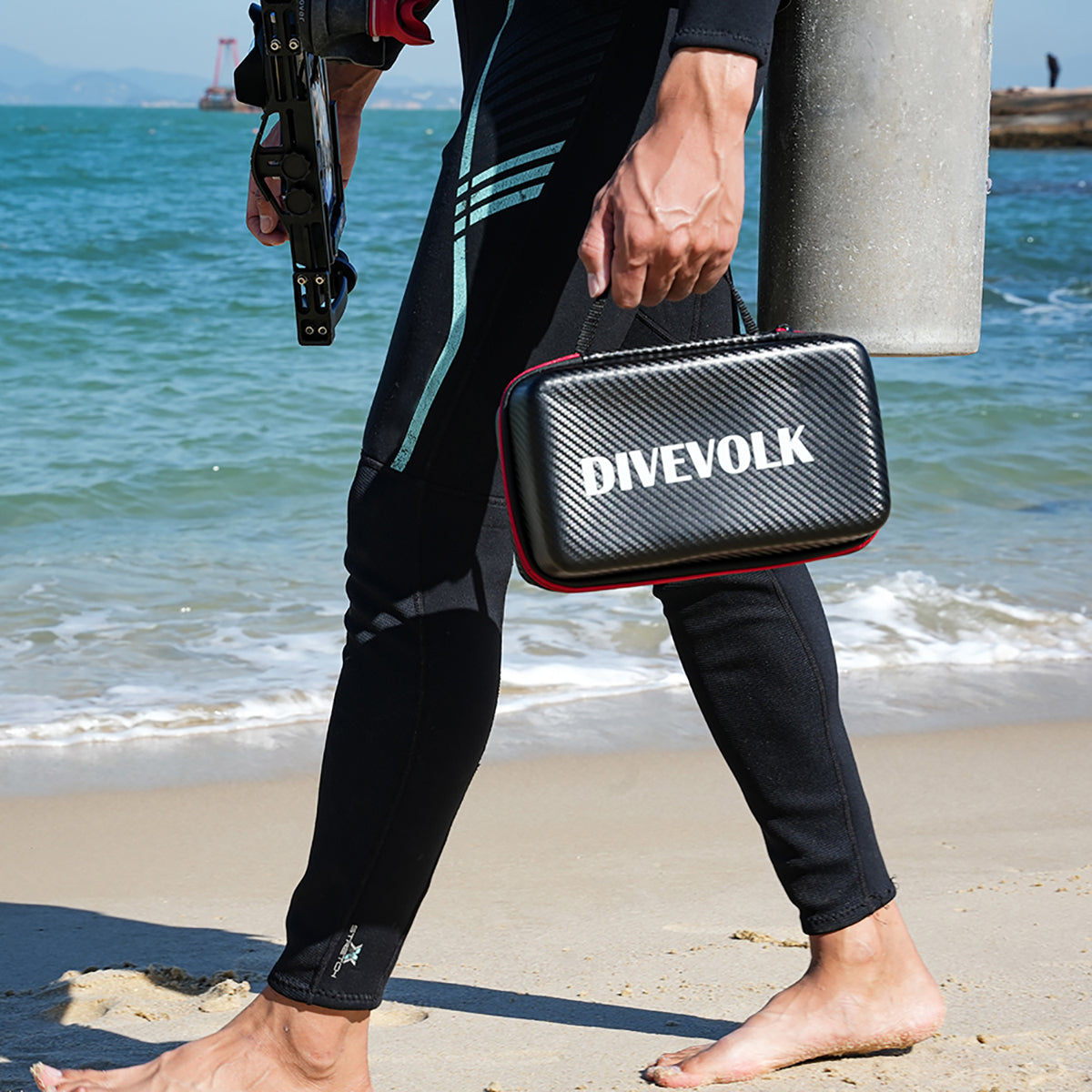

The DIVEVOLK SeaTouch 2 PRO brought underwater touchscreen capability to many divers using earlier smartphone models. To help you get the most out of your SeaTouch 2 PRO housing and ensure its longevity, we've compiled this collection of essential video guides covering setup, accessories, maintenance, and troubleshooting.
Please note: The SeaTouch 2 PRO is an earlier generation product. While these guides are helpful for owners of this model, some procedures or accessories may differ for newer housings like the SeaTouch 4 Max.
1. How to Set Up Your Smartphone with SeaTouch 2 PRO
Learn the correct procedure for inserting your compatible smartphone into the SeaTouch 2 PRO housing to ensure a secure fit and proper function.
2. How to Assemble and Disassemble SeaGrip
This video demonstrates how to properly attach and detach the SeaGrip accessory, designed to improve handling and provide mounting points.
3. How to Take Out Your Smartphone from SeaTouch 2 PRO When It's Stuck
Encountering difficulty removing your phone? This troubleshooting guide shows the technique to safely take out a smartphone that seems stuck inside the housing.
4. How to Clean the Inner Lens of SeaTouch 2 PRO and Antifogging Process
Maintaining a clear view is crucial! Learn the steps for safely cleaning the inside of the housing's lens port and applying anti-fog measures.
5. SeaTouch 2 PRO Waterproof Pre-Test
Safety first! Always perform a waterproof test before taking your housing diving with your phone inside. This video shows you how.
6. SeaTouch 2 PRO Maintenance After Use
Proper post-dive care is essential for keeping your housing in top condition. Follow these steps for cleaning and maintenance after each use.
7. How to Set Your Smartphone Correctly Before Launching SeaTouch 2 PRO
Ensure optimal performance by checking these important smartphone settings *before* sealing your phone inside the SeaTouch 2 PRO housing.
8. How to Install External Lens on SeaTouch 2 PRO
Looking to add macro or wide-angle capabilities? This video shows how to attach compatible external wet lenses to your SeaTouch 2 PRO.
We hope these video guides help you use and maintain your DIVEVOLK SeaTouch 2 PRO effectively! Proper setup and care are key to ensuring safe and enjoyable underwater experiences with your smartphone.
If you have further questions, please visit our Support Section. Interested in our latest technology? Check out the SeaTouch 4 Max!
